01
Files
Documents, archives, installers
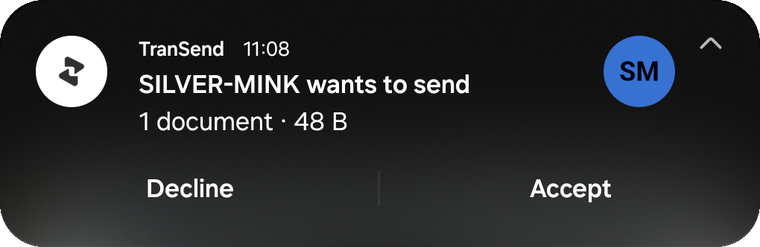
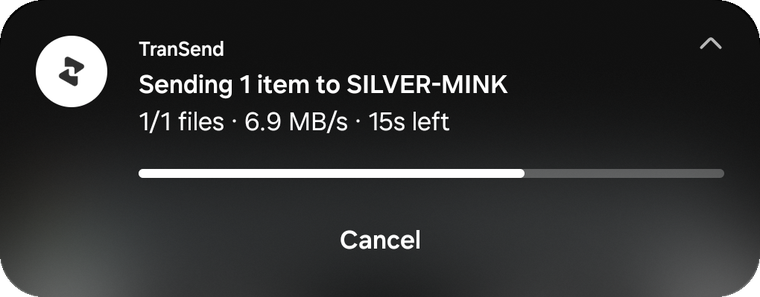
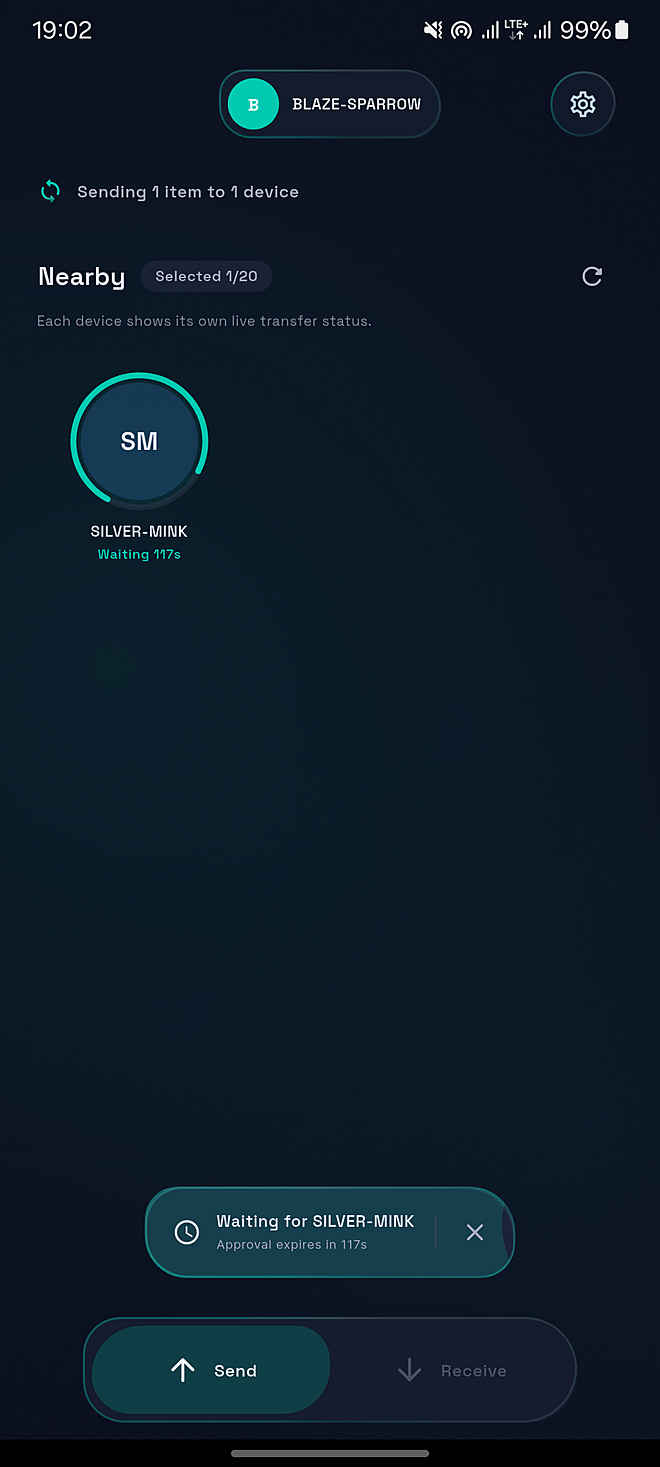
Choose files, folders, photos, video, audio, or text. Pick a nearby device. TranSend sends it directly over the Wi-Fi or hotspot already around you.
Keep both devices nearby.Same Wi-Fi or hotspot. No account required for local use.
Cloud drives make you upload, create a link, wait, and download again. TranSend is made for two devices that are already near each other.
Pick the content. Pick the nearby device. Let it cross.One route for whatever you are moving.
Five ways to startDocuments, archives, installers
Complete folder structure
Media-aware saving on Android
Music, voice, recordings
Notes, links, anything you paste
No pairing ritual. No upload link. No account setup between you and the first transfer.
Choose
Approve
Arrive
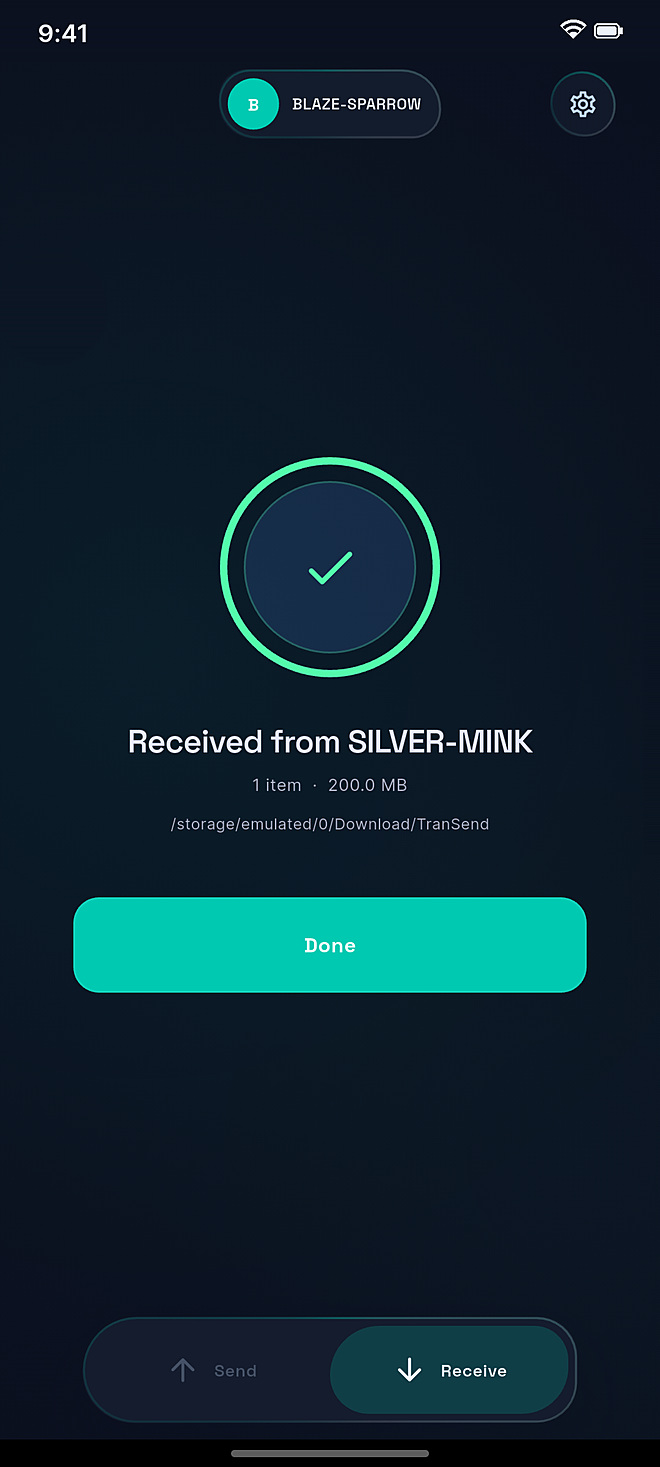
Built at both ends
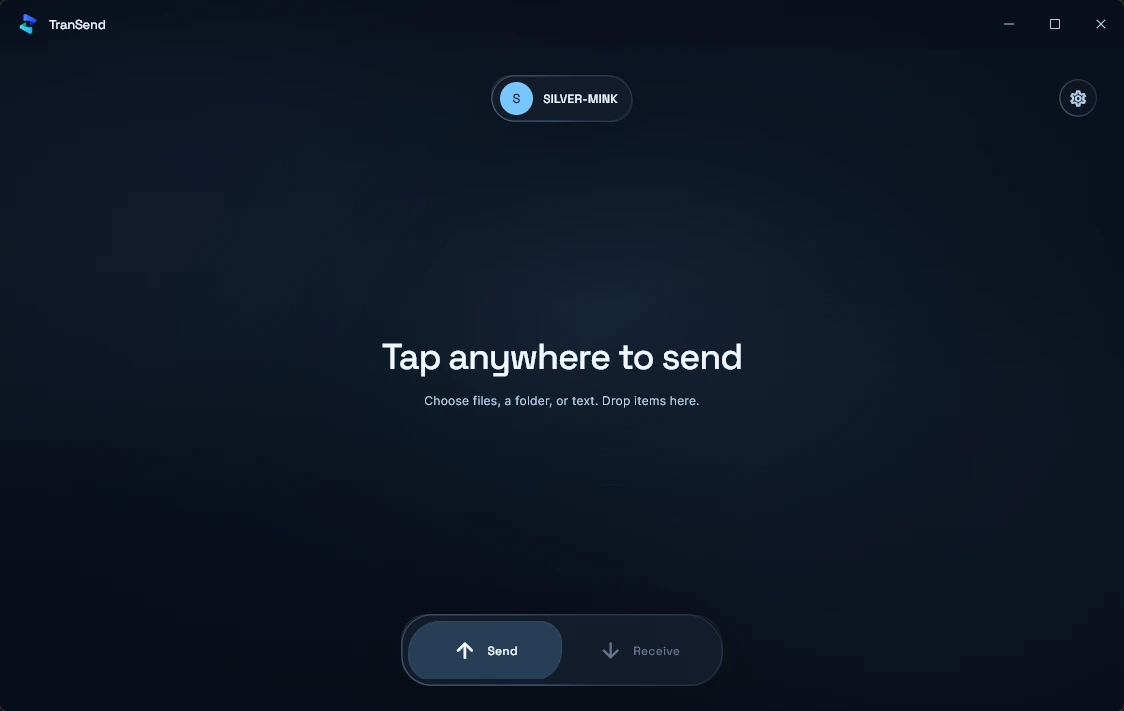
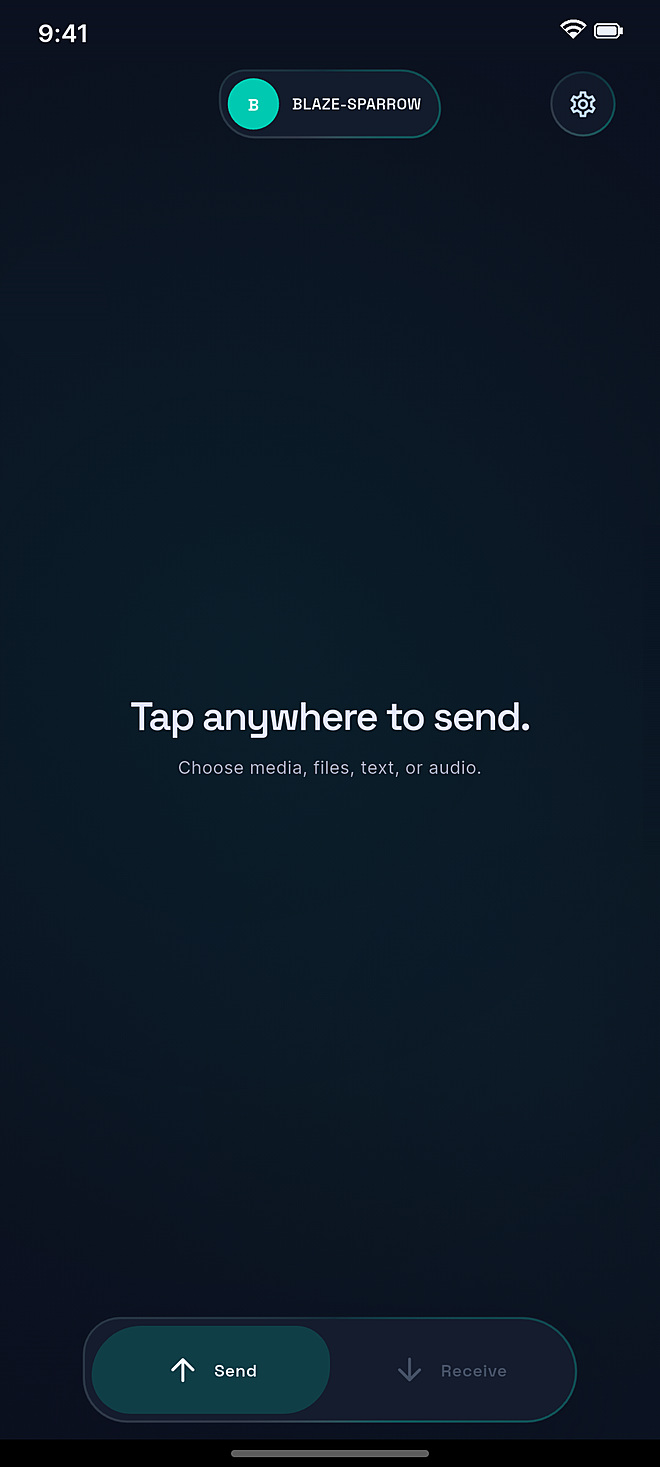
Works in the background
TranSend finds the nearby device on the Wi-Fi or hotspot you already share, then opens a direct TLS-encrypted route between both screens.
TranSend may check transendapp.org for a newer app version. Your transfer payload does not use that route.
Transfer payloads travel directly over the shared Wi-Fi or hotspot. TranSend does not use cloud file storage for the handoff.
The local route is TLS encrypted and secured with certificate fingerprint verification between devices.
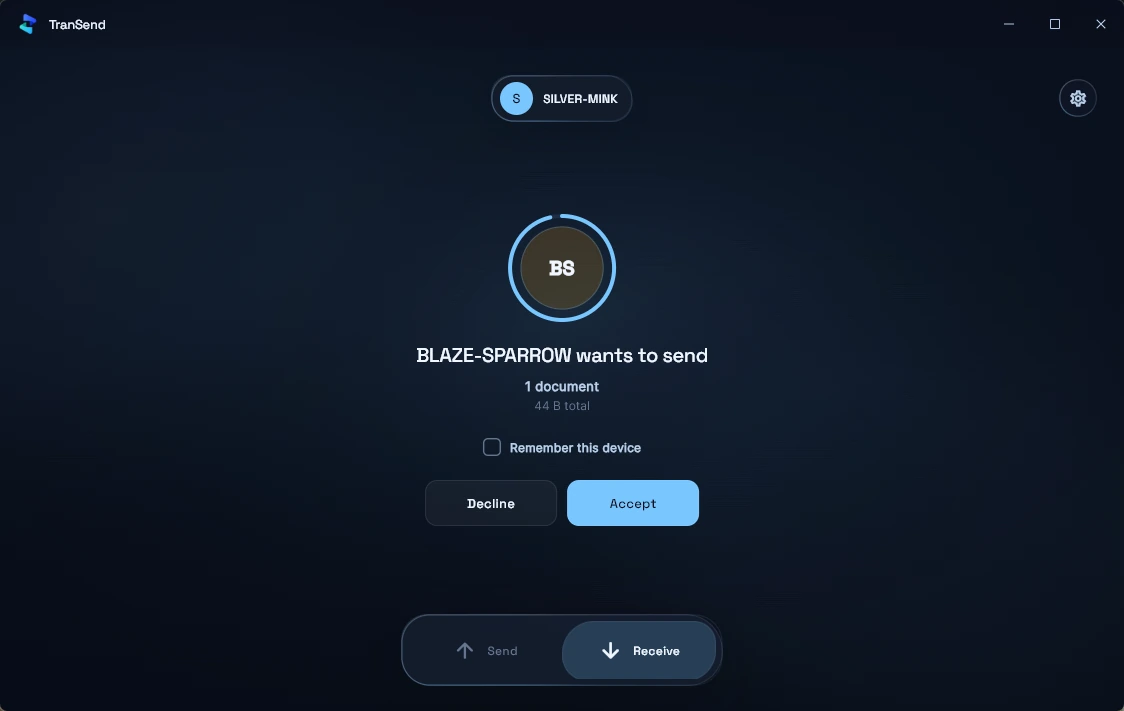
The receiver can accept or decline before saving. Existing files are never silently overwritten.
TranSend for Windows 10 and 11, 64-bit. Free, 12.2 MB, installs in seconds.
Download for WindowsTranSend for Android is in closed testing on Google Play. Join the beta, try it with your PC or another phone, and help us launch.
Join the Android beta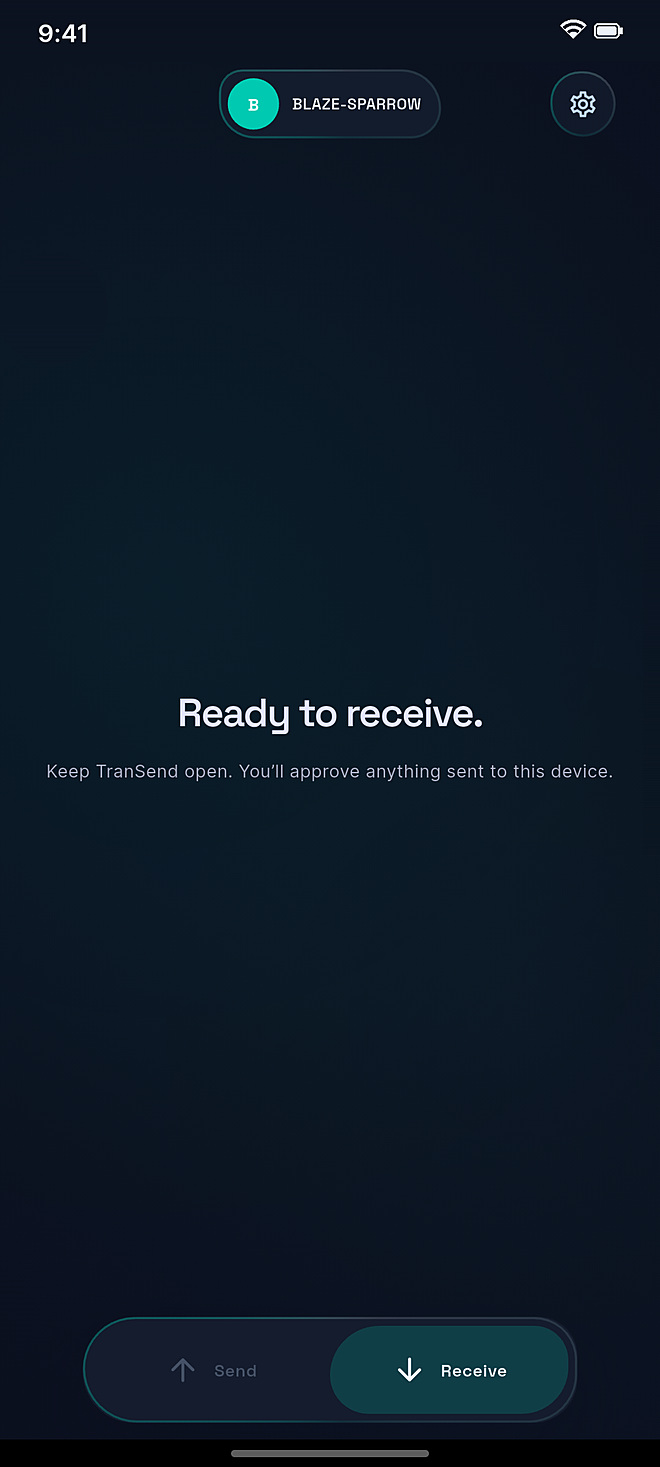
The short version: keep both devices nearby, connect them to the same Wi-Fi or hotspot, and let TranSend handle the handoff.
The file transfer itself uses the local Wi-Fi network or hotspot shared by both devices. TranSend may contact transendapp.org to check for app updates.
No. Local transfers do not require an account or subscription.
Files, folders, photos, videos, audio, and text. The available picker is tuned for the device you are using.
No. TranSend protects the existing file and creates a safely numbered copy instead of silently overwriting it.
TranSend for Android is in closed testing on Google Play. Use Join the Android beta at the top of this page to become a tester; the public release follows once testing is complete.