
Download
Save the installer.
The Windows installer is 12.2 MB and comes directly from transendapp.org.
Official TranSend downloads
TranSend will move files directly to a nearby device over the Wi-Fi or hotspot already around you. Windows is available now; Android is in beta on Google Play.
Official installerDownload for Windows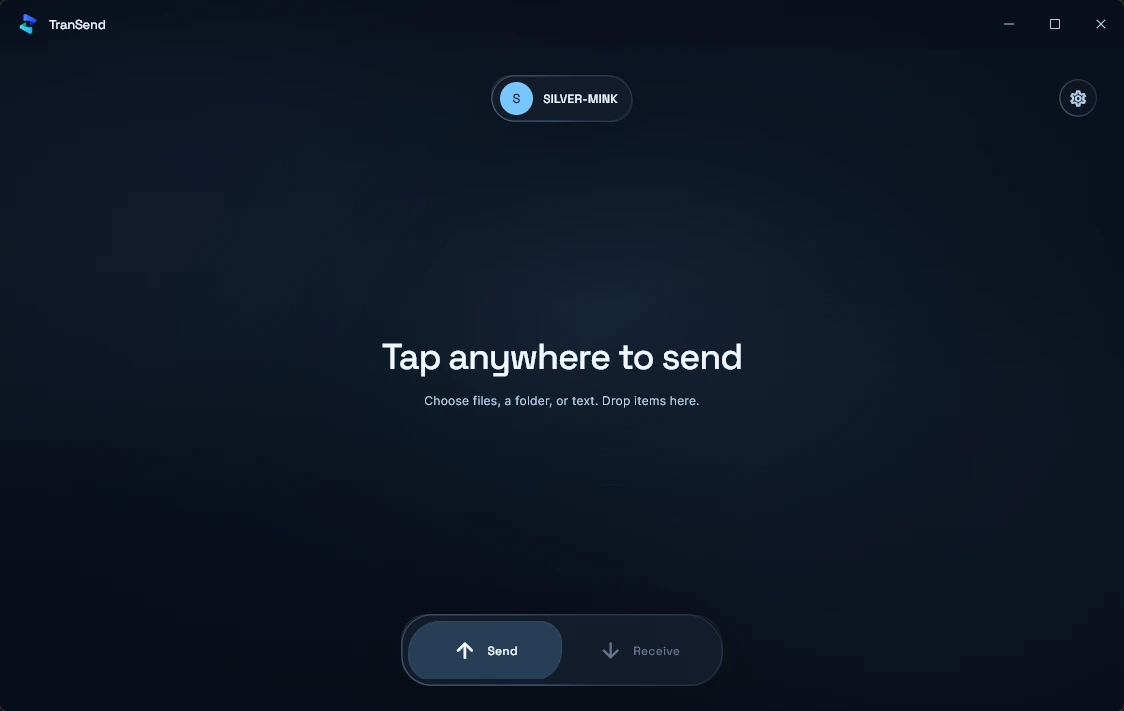
No account setup and no upload ritual. Get the app open, keep both devices nearby, and TranSend handles the local route.
The Windows installer is 12.2 MB and comes directly from transendapp.org.
Windows may show Unknown publisher because this first release is not code-signed yet.
Keep both devices on the same Wi-Fi or hotspot, choose your files, then pick the receiver.
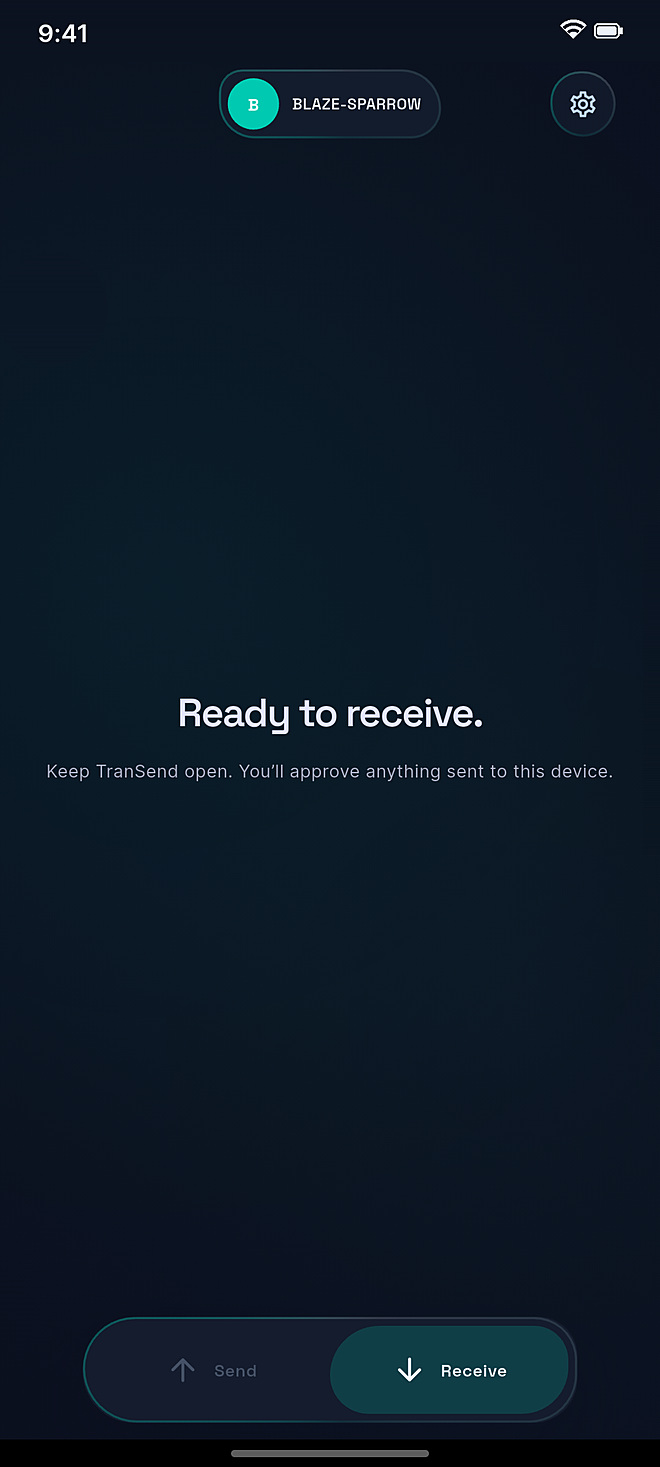
Nearby Windows devicePRO-TURKEY
Beta open on Google Play
TranSend for Android is in closed testing on Google Play. Join the beta, try it with your PC or another phone, and help us launch.
Join the Android betaYes. Local transfers need no account or subscription.
Files, folders, photos, videos, audio, and text.
Directly between nearby devices—not into cloud file storage.